A practical UK cloud-gaming checklist
Check the game, device, subscription and connection before organising a streaming session.
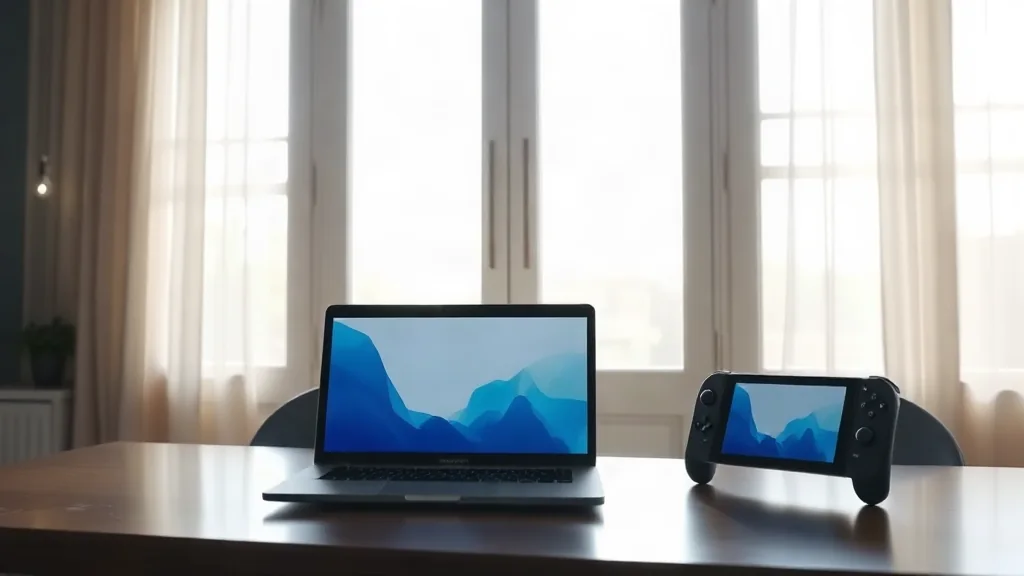
Xbox Cloud Gaming streams supported games on compatible devices. Begin with the game you actually want to play and check its place in the current UK catalogue. A familiar title appearing in an older announcement does not answer whether its cloud version is part of the catalogue you can access.
Next, confirm your device’s compatibility and the subscription requirements for that game. Treat those as separate checks: owning a compatible device does not establish that a particular subscription supplies access. Finally, review the connectivity requirements against the connection you intend to use. This sequence keeps the decision practical, moving from the chosen game to the means of playing it. Recheck the relevant details before committing to a subscription specifically for one title.